For Contractors
Build one profile that shows hiring clients you are in compliance and ready to work. Connect to as many as you like without additional connection fees.
One profile, multiple clients
Your profile carries across every hiring client on ContractorXchange.
More business opportunities
Be found by clients who can search for and invite you to connect.
Help while you register
A real person to call if something is unclear or gets flagged.
Start Here
If a client has asked you to prequalify, this is where it begins. Registration takes one sitting for most contractors, and our team is on the phone if you need it.
Use the link in your invitation email, or register here and we will connect you to the client that invited you. You will need your WCB/WSIB clearance, certificate of insurance, and your executed contract to hand.
If you already hold a profile, there is nothing to rebuild. Sign in, confirm your documents are current, and answer anything specific the new client requires.
Why Contractors Join
Getting qualified should open doors rather than fill your evenings with paperwork. The requirements stay relevant to the work you actually do, and the profile you build keeps working for you.
An approved profile shows clients you are ready to mobilize before the question is asked, and keeps you in the running for opportunities that exclude contractors who cannot show the same.
The same due diligence your clients need is the evidence that protects your business, with clearances and certificates tracked before they expire rather than after.
Your profile carries across every hiring client on the platform, and one annual subscription covers you however many clients you connect with or contractors you manage.
Your account works two ways. Use it to meet your clients' requirements, and use it to prequalify and manage your own subcontractors, at no additional cost.
Inside Your Account
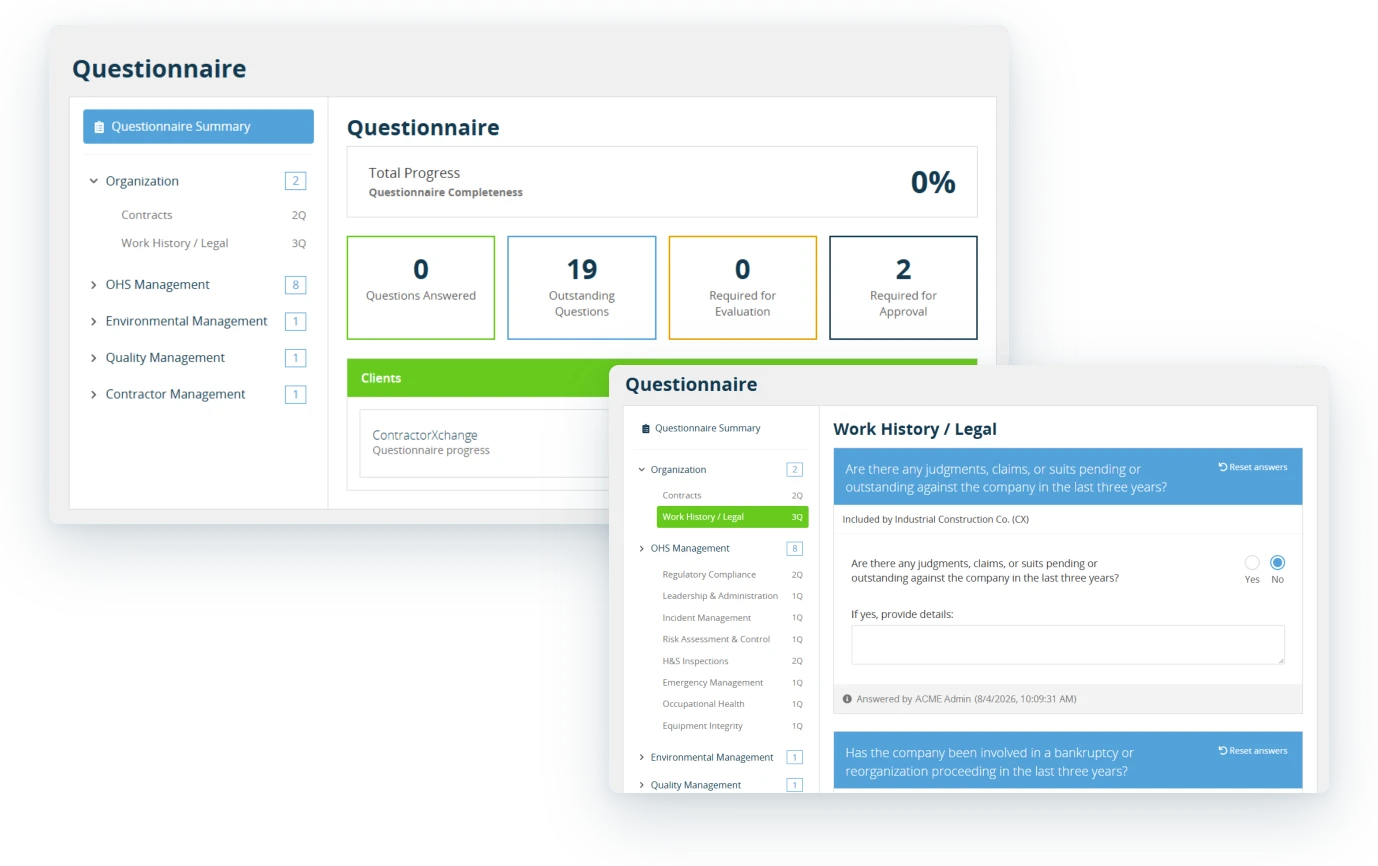
Your questionnaire is grouped into sections with progress tracked as you answer, so you always know how much is left to do before you submit.
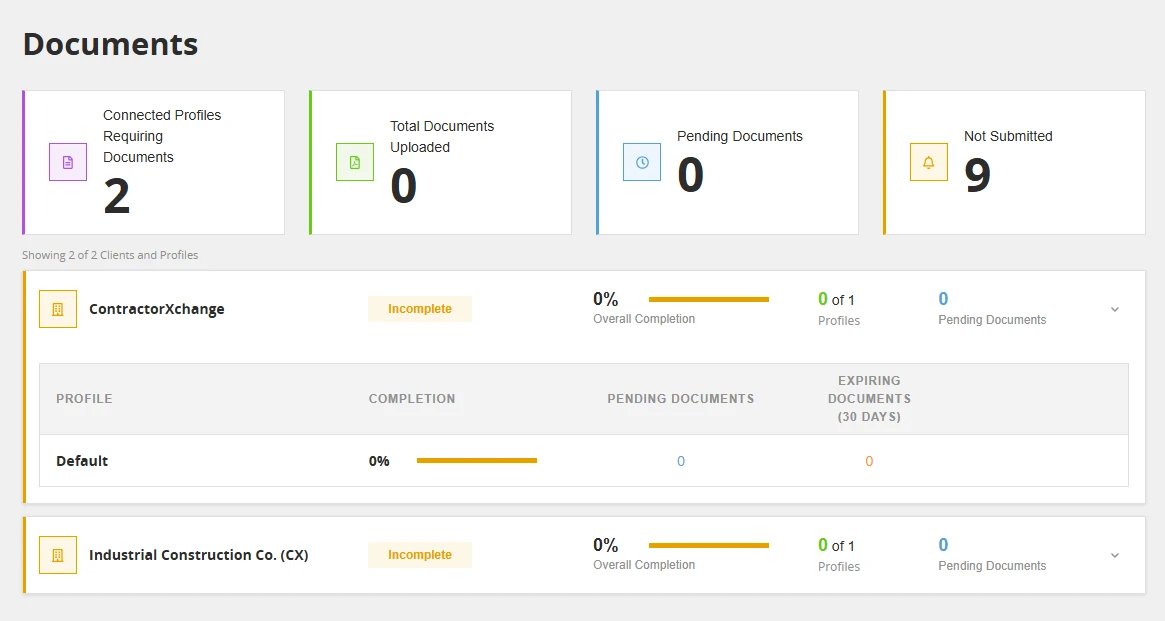
Automated checks flag incomplete or missing answers before you submit, and you can see what is answered, outstanding, and awaiting approval at any point.
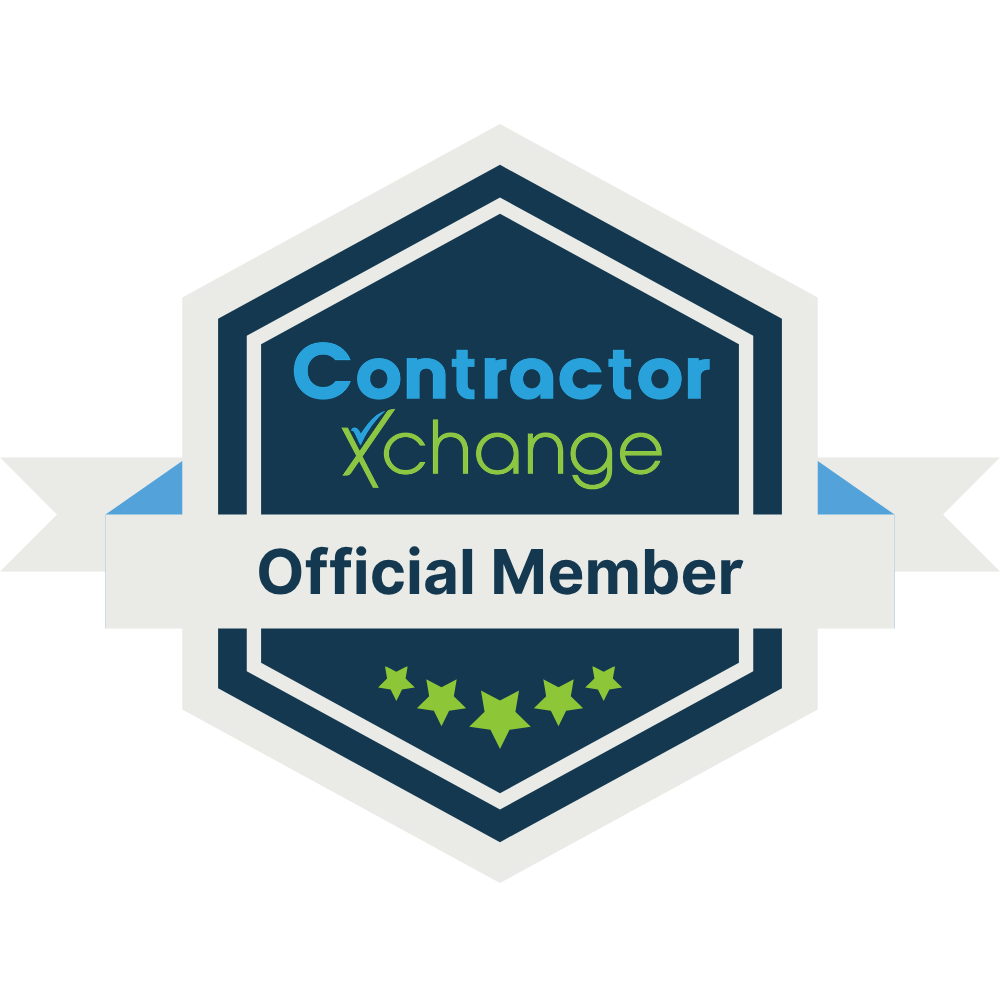
Official Member Status
Completing prequalification earns the ContractorXchange Official Member badge, a third-party validated mark of compliance you can show on proposals and to clients who have not worked with you before.
How It Works
What you are asked for depends on your client's requirements and the work you do. Some contractors provide a profile and documents; others also have their health and safety management program reviewed.
Your client invites you to complete an assessment against their requirements. If you already hold a profile, the system connects you rather than starting over.
Company information, contacts, the questionnaire your client has configured, and your documents. Automated checks flag anything incomplete before you submit.
Your uploads are checked against the details you entered. Anything expired, missing, or not matching comes back to you to correct and resubmit.
Your status goes live for your client and for you. Through the year we track expiry dates and prompt you before a clearance or certificate lapses.
Your health and safety management program is reviewed by a Canadian Registered Safety Professional. That review is a professional assessment of your program, and the feedback is yours to use. Learn more
Now, when we undertake work, we are quickly vetted and can view our assessment and approval status. Being a member of ContractorXchange has also enabled us to implement new standards within our Health and Safety program as well as becoming COR certified.
 Read the Tremco CPG Case Study
Human Support
Our support team is Canadian and onshore, and works with contractors through registration every day. There is no third-party consultant to pay and no course to take first.
1-888-449-5545
Support spanning Atlantic to Pacific time zones.
help.contractorxchange.com
Guides for registering, uploading documents, and keeping your profile current.
Start a chat
Message our support team from the chat widget in the corner of your screen.
Get Started
Register your company, or sign in to update the profile you already have. If anything is unclear, our support team will walk you through it.